
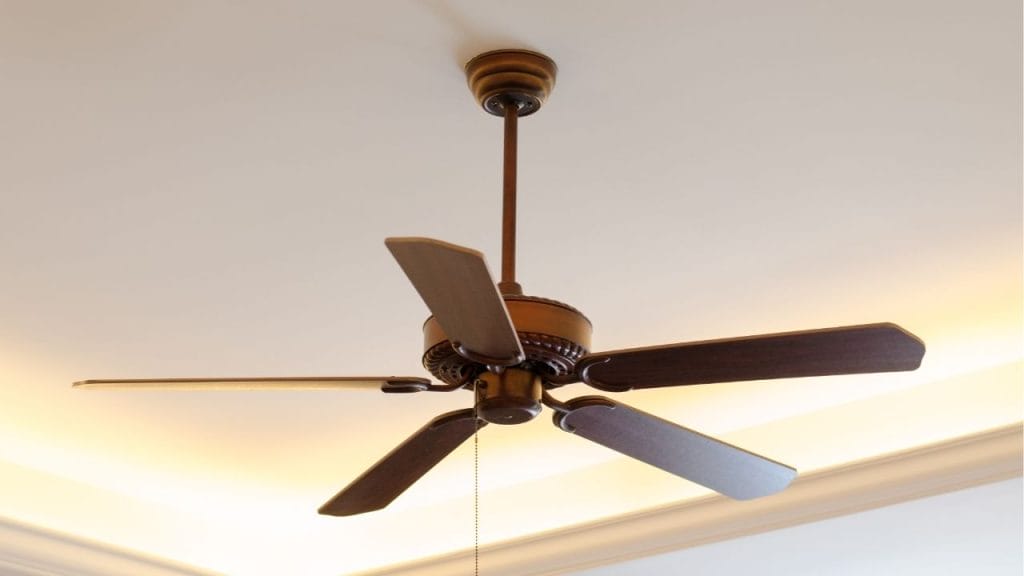
Is your ceiling fan making a clicking, humming, or wobbling noise that keeps you awake at night? If so, you are not alone. Many homeowners search for how to silence a ceiling fan because even a small amount of noise can become annoying fast. The good news is that most noisy ceiling fan problems are easy to fix with a few simple maintenance steps and adjustments.
Why Is My Ceiling Fan Noisy?
A ceiling fan can become loud for several reasons. Loose screws, dusty blades, unbalanced fan blades, worn bearings, or an improperly installed mounting bracket can all create noise. In some cases, the issue may come from the light kit or the motor itself. Identifying the source is the first step in learning how to silence a ceiling fan effectively.
Tighten Loose Parts
Check the Blade Screws
Loose blade screws are one of the most common causes of fan rattling. Turn off the fan completely, then inspect each blade and tighten the screws connecting the blades to the arms. Even one loose screw can cause a clicking or shaking sound.
Inspect the Mounting Bracket
The ceiling fan should be firmly attached to the ceiling box. If the mounting bracket is loose, the fan may buzz or wobble. Tighten all visible hardware and make sure the fan is securely mounted.
Secure the Light Kit
If your fan includes a light fixture, check that the bulbs, glass shades, and light kit screws are snug. A loose light kit often causes a subtle humming or ticking sound.
Clean the Blades and Motor Housing
Dust buildup can throw off the balance of the fan and make it noisier. Use a microfiber cloth to clean each blade, the motor housing, and the top of the fan. Cleaning the blades also helps improve airflow and can reduce strain on the motor. If your fan has been running for months without maintenance, this step alone may noticeably reduce ceiling fan noise.
Balance the Fan Blades
Test for Wobble
If your ceiling fan vibrates or shakes, it may be out of balance. A wobbling fan often creates a humming or scraping sound. You can test the fan by observing it at different speeds to see whether the noise gets worse at certain settings.
Use a Blade Balancing Kit
A blade balancing kit can help correct uneven blade weight. These kits usually include clips and adhesive weights. Follow the instructions to identify the unbalanced blade and add weight where needed. This is one of the best fixes for a noisy ceiling fan that wobbles.
Lubricate the Motor if Needed
Some older fans require lubrication to run quietly. If your model has an oil port, add only the type of lubricant recommended by the manufacturer. Never use random household oils, since that can damage the motor. Newer fans are often sealed and do not need lubrication, so check the manual first.
Replace Worn Parts
If the fan is still loud after tightening and cleaning, some parts may be worn out. Look for damaged blade arms, worn pull chains, or aging motor bearings. In many cases, replacing a small part is cheaper than buying a new fan. However, if the motor is failing, replacement may be the most practical solution.
Reduce Noise from Installation Issues
A fan installed on an unsupported or improperly sized ceiling box can transmit noise through the ceiling. Make sure the fan is installed on a fan-rated electrical box and that all parts are aligned correctly. A poor installation can lead to persistent noise, even if the fan itself is in good condition.
When to Call a Professional
If you hear grinding, burning smells, or loud electrical buzzing, stop using the fan and call a licensed electrician or handyman. These signs may point to a motor or wiring issue that needs professional repair.
Final Thoughts
Learning how to silence a ceiling fan usually comes down to simple maintenance, proper balancing, and checking for loose or worn parts. With a few basic tools and a little time, you can eliminate most ceiling fan noise and restore quiet comfort to your home.


