
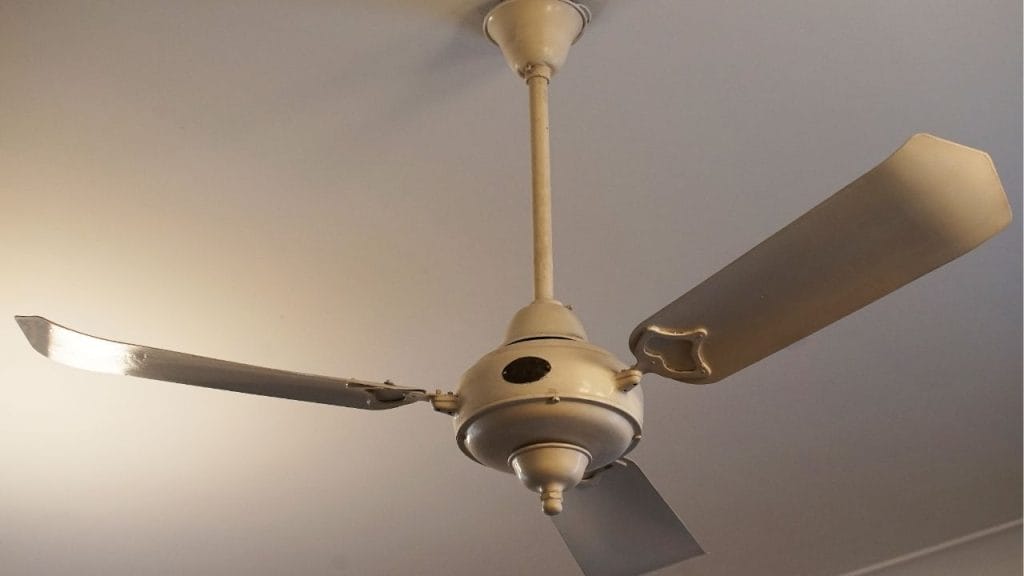
Have you ever noticed that a ceiling fan meant to cool your home is instead keeping you awake with rattling, humming, or clicking sounds? If you are searching for how to silence a noisy ceiling fan, the good news is that most fan noise comes from simple issues you can fix at home. With a few basic checks and maintenance steps, you can quiet a ceiling fan and restore a peaceful room.
Why Is My Ceiling Fan Noisy?
A noisy ceiling fan usually points to one or more common problems. Loose screws, unbalanced blades, dust buildup, worn bearings, or an improperly installed mounting bracket can all create unwanted sound. In some cases, the motor itself may be aging, but many fans just need a thorough tune-up.
Understanding the source of the noise is the first step in learning how to silence a noisy ceiling fan effectively.
Check and Tighten All Loose Parts
One of the most common reasons for ceiling fan noise is vibration caused by loose hardware. Turn off the fan and switch off the power at the wall before inspecting it.
Tighten Blade Screws
Check each blade for loose screws where it attaches to the blade arm and where the blade arm connects to the motor housing. Even a slightly loose screw can cause clicking or wobbling sounds.
Inspect the Mounting Bracket
Look at the fan canopy and mounting bracket. If the fan is not secured tightly to the ceiling box, it may shake or hum. Tightening these parts can make a noticeable difference.
Clean the Fan Blades and Motor Housing
Dust buildup can throw off the balance of the fan and increase noise. Use a microfiber cloth or a vacuum with a brush attachment to clean the blades, blade arms, and motor housing.
Remove Sticky Residue
If your blades have a sticky film from kitchen grease or smoke, clean them with a mild soap solution. Dirty blades can create uneven airflow and contribute to a noisy ceiling fan.
Balance the Blades
If your fan wobbles or makes a rhythmic tapping noise, the blades may be unbalanced. Most ceiling fans come with a balancing kit, but you can also test blade balance with a ruler or measuring tape.
Adjust Blade Alignment
Make sure each blade sits at the same angle and height. A bent blade arm or warped blade can cause a ceiling fan to rattle or hum. Gently realign the blade if needed, or replace damaged parts.
Lubricate the Motor if Needed
Older ceiling fans may have a motor that needs lubrication. Check the manufacturer’s instructions before adding oil, since many newer fans are sealed and do not require it.
Use the Right Lubricant
If lubrication is allowed, use only the recommended fan oil. Too much oil or the wrong product can create more problems. Proper lubrication can reduce grinding or squeaking sounds.
Replace Worn or Damaged Parts
If your fan still makes noise after tightening, cleaning, and balancing, some parts may be worn out. Common replacement items include blade arms, pull chains, rubber bushings, or the capacitor.
When to Consider a Replacement
If the motor buzzes loudly, the fan vibrates excessively, or the noise keeps returning, replacement may be the best solution. A modern energy-efficient ceiling fan often runs much quieter than an older model.
Final Tips to Keep a Ceiling Fan Quiet
To maintain a quiet ceiling fan, inspect it every few months, especially before summer and winter use. Keep blades clean, check screws regularly, and listen for changes in sound. Small maintenance habits can prevent bigger issues later.
If you want to know how to silence a noisy ceiling fan, start with the basics: tighten, clean, balance, and inspect. In many homes, that is all it takes to enjoy a quiet, comfortable room again.


