
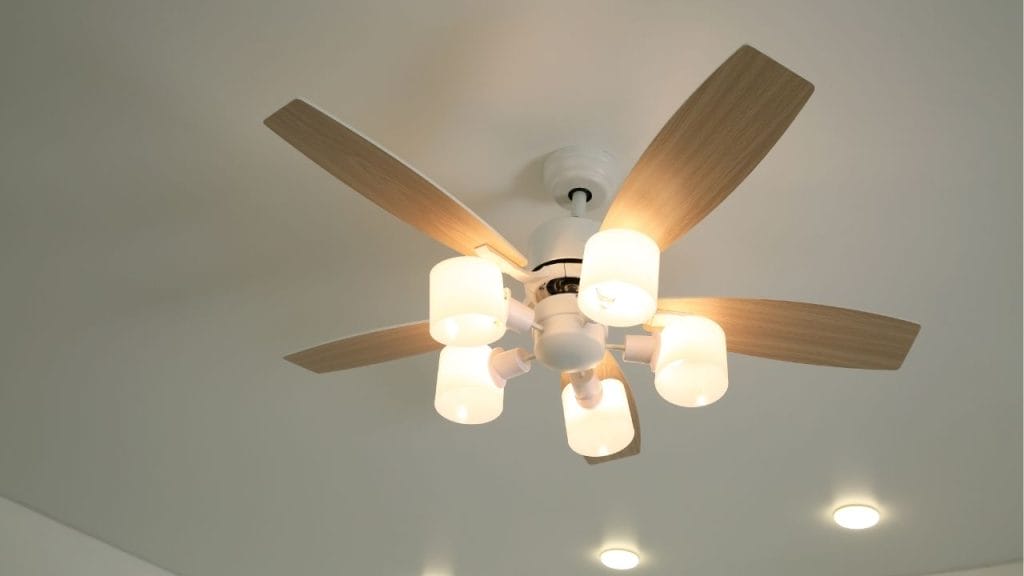
Have you ever tried to fall asleep only to be distracted by a noisy ceiling fan overhead? A ceiling fan making noise is a common problem, but the good news is that most causes are easy to fix. If you are searching for how to stop ceiling fan from making noise, this guide covers the most common reasons a ceiling fan becomes loud and the best solutions to restore quiet, smooth operation.
Why Is Your Ceiling Fan Making Noise?
A noisy ceiling fan usually points to a mechanical issue, loose part, or buildup that needs attention. The sound may be a clicking, humming, grinding, rattling, or squeaking noise. Identifying the type of sound can help you find the right fix faster.
Loose Screws or Hardware
One of the most common reasons for ceiling fan noise is loose screws. Over time, vibration can loosen blade screws, mounting screws, or parts inside the fan motor housing. This can cause a rattling or clicking sound.
Unbalanced Fan Blades
If the fan blades are not balanced, the fan may wobble and create noise. Uneven blades can happen from dust buildup, bent blade arms, or slight warping over time. A wobbling fan often produces a humming or shaking sound.
Dirty or Dust-Covered Blades
Dust and dirt on fan blades can make the fan heavier on one side, which affects balance. A dirty fan may also create extra resistance, making the motor work harder and increasing noise.
Worn Motor Bearings
A grinding or squealing sound may mean the motor bearings are wearing out. This is more common in older ceiling fans. If the bearings are damaged, the fan may need repair or replacement.
Improper Installation
If the ceiling fan was not installed correctly, it may vibrate against the ceiling box or mounting bracket. A loose fan mount can create persistent noise that gets worse at higher speeds.
How to Stop Ceiling Fan From Making Noise
The best way to stop a noisy ceiling fan is to inspect it carefully and fix the source of the problem. Start with simple maintenance before moving to more advanced repairs.
Tighten All Screws and Fasteners
Turn off the fan and check every visible screw on the blades, blade brackets, light kit, and mounting hardware. Tighten anything that feels loose, but do not overtighten and risk stripping the threads.
Clean the Blades and Motor Housing
Use a microfiber cloth to remove dust from the blades, motor cover, and light fixture. Cleaning the fan regularly can improve balance and reduce strain on the motor.
Balance the Fan Blades
If the fan wobbles, use a ceiling fan balancing kit or add small balancing weights to the blades. You can also check each blade to make sure it is aligned properly and not bent.
Check the Mounting Bracket
Make sure the ceiling fan is securely attached to the electrical box and mounting bracket. If the bracket is loose or the fan is touching the ceiling, it can create vibration and noise.
Lubricate if the Fan Design Allows It
Some older ceiling fan models have motor ports that can be lubricated. If your fan manual says lubrication is allowed, use the recommended oil only. Never add oil to a sealed motor.
Replace Worn Parts
If the fan still makes noise after tightening, cleaning, and balancing, the problem may be a worn motor, damaged blade arm, or failing capacitor. Replacing the faulty part may solve the issue.
When to Replace the Ceiling Fan
If your fan is very old, makes loud grinding noises, or continues to wobble after repairs, replacement may be the best option. A new energy efficient ceiling fan can operate more quietly and improve comfort in your home.
Final Tips to Keep a Ceiling Fan Quiet
To prevent future noise, clean your fan every few months, check screws regularly, and make sure the blades stay balanced. If you want to know how to stop ceiling fan from making noise long term, consistent maintenance is the key. A well-installed and properly maintained ceiling fan should run quietly and provide reliable comfort year-round.


