
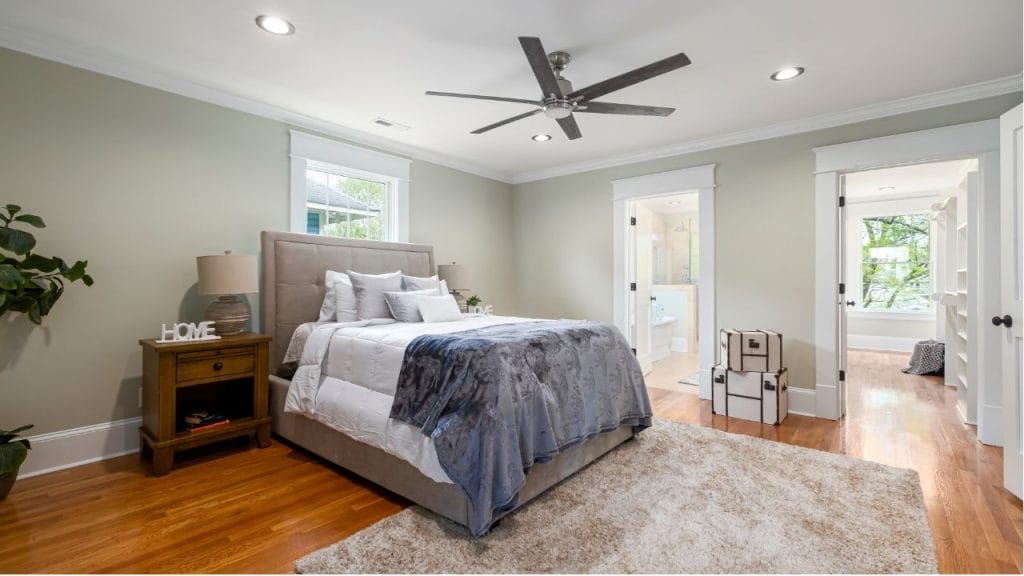
Have you ever noticed a ceiling fan that seems perfectly fine except for a distracting clicking sound? A clicking ceiling fan is more than an annoyance. It can signal loose parts, worn components, or an installation issue that should be fixed before the problem gets worse. If you want to know how to stop a clicking ceiling fan, the good news is that many causes are simple to diagnose and repair at home.
Why a Ceiling Fan Makes a Clicking Noise
A clicking ceiling fan usually makes noise because one or more parts are moving out of alignment or rubbing against another surface. In many cases, the sound appears only at certain speeds or after the fan has been running for a while. Common causes include loose screws, unbalanced blades, a bent blade bracket, a worn-down motor component, or a light fixture issue.
Loose Blade Screws or Mounting Hardware
One of the most common reasons for a clicking ceiling fan is loose hardware. Over time, vibration can loosen the screws that hold the blades, blade arms, canopy, or motor housing in place.
How to Fix It
Turn off the fan and power at the breaker before inspecting it. Tighten all visible screws on the blades, blade arms, and mounting bracket. Check the light kit if your fan has one, since a loose glass shade or bulb can also create a clicking sound.
Fan Blades That Are Out of Balance
If the blades are uneven, warped, or not installed at the same angle, the fan may click as it spins. An unbalanced fan often creates a repeated clicking or ticking noise and may also wobble.
How to Fix It
Inspect each blade for damage or warping. Make sure all blades are tightened and seated properly. If the fan still wobbles, use a ceiling fan balancing kit to correct the issue. Replacing damaged blades may also be necessary.
Worn or Damaged Blade Arms
Blade arms, also called brackets, connect the blades to the motor. If one is bent slightly or loose, it can cause a clicking ceiling fan sound every rotation.
How to Fix It
Look closely at each blade arm for bends, cracks, or loose screws. Tighten or replace any damaged arm. Even a small bend can affect how the blade moves and create noise.
Light Fixture or Bulb Problems
A clicking sound can come from the light kit instead of the fan motor. Loose bulbs, an unstable glass shade, or a pull chain hitting the housing may produce a regular clicking noise.
How to Fix It
Remove and reinstall the bulbs, making sure they are snug but not overtightened. Check that the glass shade is secure. If the fan has a pull chain, make sure it is not striking the body of the fan while it runs.
Motor Issues or Internal Wear
If the clicking continues after tightening and balancing, the problem may be inside the motor. Worn bearings or internal parts can create a persistent clicking sound, especially in older fans.
How to Fix It
Internal motor issues are harder to repair safely at home. If the fan is older or the clicking gets louder over time, consider calling an electrician or replacing the fan. Continuing to run a failing motor can lead to more damage.
How to Stop a Clicking Ceiling Fan for Good
To fix a clicking ceiling fan, start with the simplest checks first. Tighten hardware, inspect the blades, test the light fixture, and balance the fan if needed. If the noise remains, the motor or internal parts may need professional attention. Regular maintenance can prevent the problem from returning and keep your ceiling fan running quietly.
When to Replace the Fan
If your ceiling fan is more than 10 years old, wobbles badly, or keeps making noise after multiple repairs, replacement may be the best option. A new fan can improve comfort, reduce noise, and use less energy than an aging model.
A clicking ceiling fan is usually fixable, and in many cases, the solution is as simple as tightening a few screws. By identifying the source of the noise early, you can restore quiet operation and extend the life of your fan.


