
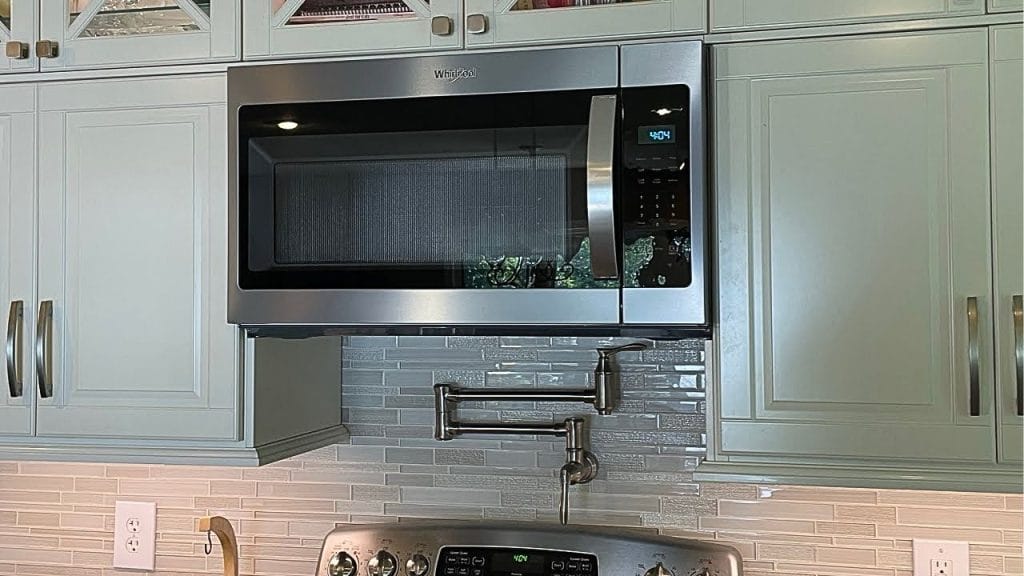
Have you ever noticed your Whirlpool microwave fan keeps running even after the food is done? This is a common situation for many homeowners, and in most cases, it is completely normal. If you are trying to figure out how to turn off Whirlpool microwave fan, the solution usually depends on the microwave model, the cooking mode, and whether the fan is set to automatic operation.
Why the Whirlpool Microwave Fan Keeps Running
Before you try to shut it off, it helps to understand why the fan is on in the first place. Whirlpool microwave fans are often designed to protect the appliance from heat and moisture buildup. After cooking, the fan may continue running for a few minutes to cool internal components and improve ventilation.
In some models, the fan may also turn on automatically when the microwave detects heat from the cooktop below. This is common in over-the-range Whirlpool microwaves. If the fan seems to stay on too long, it may simply be in cooling mode rather than stuck.
How to Turn Off Whirlpool Microwave Fan
If you want to know how to turn off Whirlpool microwave fan, the first step is to check the fan settings on your control panel. Many Whirlpool models let you change fan speed or turn the fan off manually using a dedicated fan button.
Step 1: Press the Fan Button
Look for a button labeled Fan, Vent Fan, or Exhaust Fan on the microwave control panel. Press it once or several times to cycle through the available fan speeds. On many Whirlpool microwaves, the settings move from high to medium, low, and off.
Step 2: Hold the Fan Button if Needed
Some Whirlpool microwave models require you to press and hold the fan button for a few seconds to shut the fan off. If a quick press does not work, check your model’s user manual for the exact method.
Step 3: Wait for the Cooling Cycle to End
If the fan is running after cooking or after you turn off the microwave, it may be in automatic cooling mode. In this case, there may be no immediate way to stop it. The fan should switch off by itself once the microwave cools down.
Step 4: Turn Off the Auto Vent Feature
Certain Whirlpool microwaves have an auto vent or cooktop light setting that can keep the fan running based on sensor readings. If your microwave fan keeps turning on unexpectedly, go into the settings menu and check whether auto vent, sensor fan, or ventilation automation is enabled. Turning this feature off may solve the problem.
What to Do If the Fan Will Not Turn Off
If you have tried the controls and the fan still will not stop, unplug the microwave for one minute and plug it back in. This can reset the system on some models.
If the fan remains on after a reset, there may be an issue with the control board, fan switch, or sensor. A stuck relay can also cause the fan to run continuously. In that case, it is best to contact Whirlpool customer support or schedule appliance repair.
Tips to Avoid Fan Confusion
Check your Whirlpool microwave manual to confirm the exact fan controls for your model. Different model numbers may use different button combinations.
Also, remember that the vent fan on an over-the-range microwave is different from the internal cooling fan. Even if the external vent fan is off, the cooling fan may still run briefly to protect the appliance.
Final Thoughts
Learning how to turn off Whirlpool microwave fan is usually simple once you know your model’s controls. In many cases, pressing the fan button, waiting for the cooling cycle to finish, or disabling auto vent settings will do the trick. If the fan still will not shut off, a quick reset or professional repair may be necessary.


