
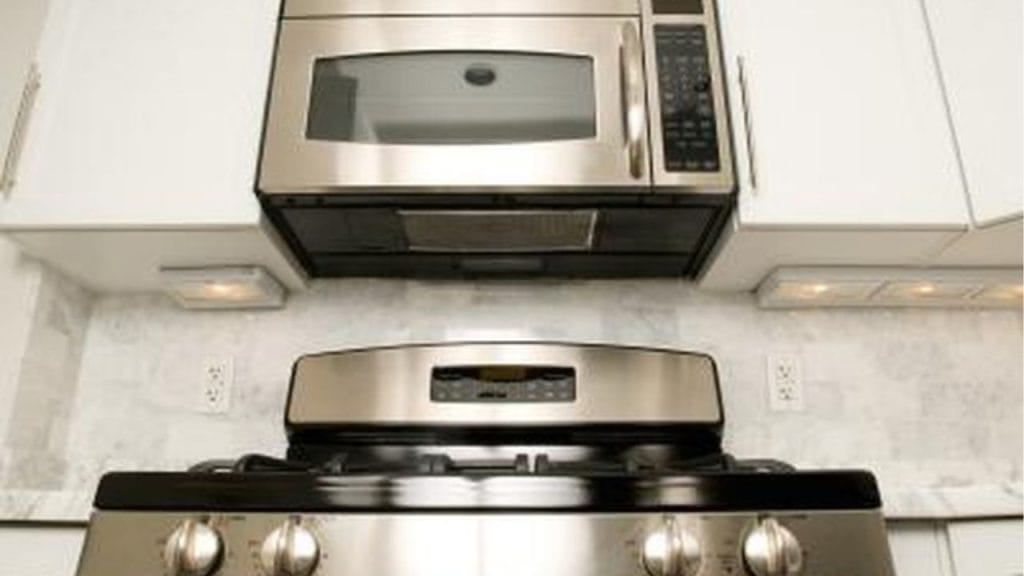
Have you ever noticed your microwave fan keeps running even after the cooking cycle ends? That can be confusing, but in many models, it is completely normal. If you are wondering how to turn off auto fan on microwave, the answer depends on the brand, model, and ventilation settings. In some cases, the fan is designed to run automatically to cool internal components or clear heat and steam from the cooking area.
Why the Microwave Fan Turns On Automatically
The auto fan on a microwave is usually part of the appliance’s safety and ventilation system. It helps prevent overheating and removes smoke, steam, and odors from the kitchen. On over-the-range microwaves, the fan may also protect the control board and internal parts from heat buildup.
If your microwave fan starts on its own, it may be due to:
- Heat sensor activation
- Over-the-range venting function
- Internal cooling after use
- Humidity or steam detection
- A built-in auto fan setting
Can You Turn Off the Auto Fan on a Microwave?
In some microwave models, yes, you can turn off the auto fan. In others, it is not possible because the fan is hardwired to run under certain conditions. Before trying to disable it, check your user manual. Some brands offer fan speed settings, while others only allow you to adjust when the fan runs, not fully shut it off.
How to Turn Off Auto Fan on Microwave
1. Check the Control Panel Settings
Many microwaves have a fan button on the control panel. Press it repeatedly to cycle through fan speeds such as low, medium, high, and off. If the fan is on due to a timed ventilation feature, this may stop it.
2. Look for the Vent Fan Option in the Menu
Some newer microwaves have digital settings or a menu option for vent fan control. Use the settings or options button and look for terms like:
- Fan mode
- Vent speed
- Auto fan
- Cooling fan
- Exhaust fan
If available, change the setting from auto to manual or off.
3. Wait for the Cooling Cycle to End
If the fan is running after cooking, it may be cooling the appliance down. This is normal and usually stops after a few minutes. In this case, there is no button to turn it off because the system is protecting the microwave.
4. Unplug the Microwave if Needed
If you need to stop the fan immediately and your model allows it, unplugging the microwave may shut it off. However, this is not recommended unless necessary, because it can interrupt the cooling process. Never unplug a built-in or hardwired microwave unless you are sure it is safe.
5. Consult the User Manual
If you cannot find a way to disable the fan, check the manual or the manufacturer’s website. Search your model number along with phrases like:
- how to turn off microwave fan
- auto exhaust fan setting
- microwave fan won’t turn off
When the Auto Fan Is a Problem
If the fan stays on for a very long time, is unusually loud, or turns on randomly when the microwave is not in use, there may be an issue with the sensor, control board, or vent system. A malfunctioning fan switch or stuck relay can also keep the fan running.
Troubleshooting Tips
Try these quick fixes before calling for service:
- Clean the microwave vents
- Reset the appliance by unplugging it for a few minutes
- Check for steam buildup near the sensor
- Make sure the control panel is not locked
- Inspect the fan button for sticking
Final Thoughts
Learning how to turn off auto fan on microwave starts with knowing whether your model actually allows it. In many cases, the fan is automatic for safety and cooling, so it cannot be fully disabled. If your microwave does offer fan control, use the panel settings or user manual to switch from auto to manual or off. If the fan seems to run longer than normal, troubleshooting the sensor, vent, or control panel may help.


