
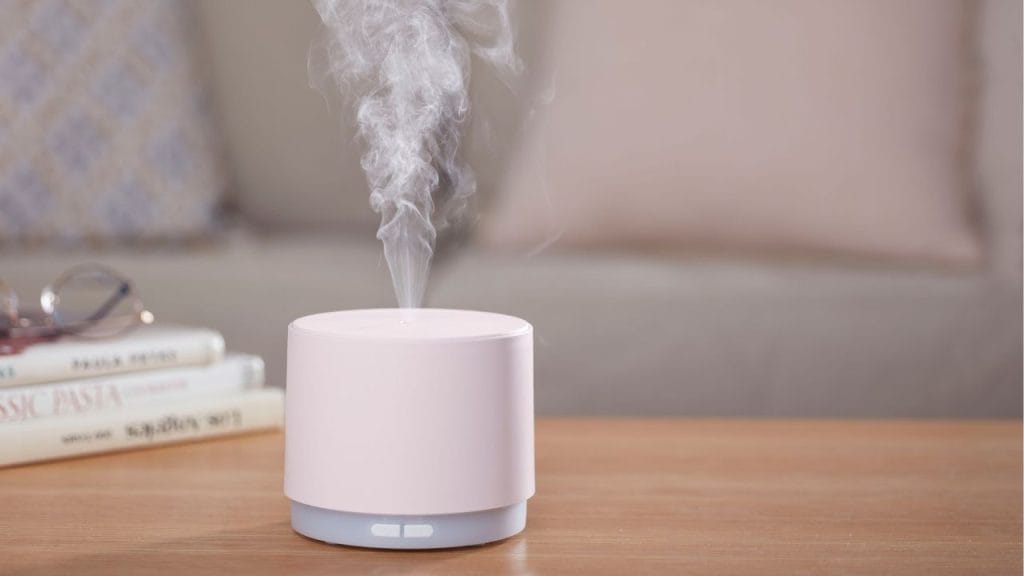
Have you ever wondered why your home still feels dry even when the heat is running? Learning how to turn on humidifier the right way can make a big difference in comfort, especially during dry winter months or in air-conditioned rooms. A properly used humidifier can help add moisture back into the air, reduce dryness in the nose and throat, and improve the overall feel of your indoor space.
Why You Should Know How to Turn On a Humidifier
Understanding how to turn on humidifier settings is important because different models work in different ways. Some units are simple plug-and-play devices, while others have digital controls, mist levels, filters, or smart features. Knowing the correct startup steps helps you avoid common problems like low mist output, leaks, or the machine not powering on at all.
A humidifier can be especially helpful in bedrooms, nurseries, living rooms, and home offices. If the air in your home feels too dry, using a humidifier may support better sleep, protect wood furniture, and make breathing feel more comfortable.
How to Turn On Humidifier Step by Step
1. Place the Humidifier on a Flat Surface
Before you turn it on, place the humidifier on a stable, level surface. Keep it away from walls, curtains, electronics, and anything that can be damaged by moisture. Most humidifiers work best when placed a few feet away from the bed or seating area.
2. Fill the Water Tank
Most models need clean water before they can operate. Remove the tank if needed, open the cap, and fill it according to the manufacturer’s instructions. Be careful not to overfill. If your humidifier uses a filter, check that it is properly installed before adding water.
3. Reassemble the Unit
Once the tank is filled, secure the cap and place the tank back onto the base. Make sure it is seated correctly. If the tank is not aligned properly, the humidifier may not start or may leak water.
4. Plug It In
Connect the power cord to a working outlet. For safety, avoid using a damaged cord or an overloaded extension strip. If your humidifier has a power button or touch panel, it is ready for the next step.
5. Press the Power Button
To turn on humidifier operation, press the power button. On many models, the unit will start at a default mist level. Some units also include indicator lights, digital displays, or app-based controls that confirm it is running.
6. Adjust Mist Settings
If your humidifier has adjustable output, choose the mist level that fits your room size and comfort needs. A low setting may be enough for a small bedroom, while a larger room may need stronger output. Some devices also offer warm mist, cool mist, or automatic humidity control.
What to Do If Your Humidifier Will Not Turn On
If you follow the steps above and the humidifier still does not start, check a few common issues. Make sure the tank has water, the unit is plugged in securely, and the tank is properly seated. Also verify that the power outlet works by testing another device. If your humidifier has a filter, a dirty or dry filter may affect performance.
For smart humidifiers, confirm that the app is connected and the device is not in lock mode or sleep mode. If the machine still fails to respond, refer to the user manual for model-specific troubleshooting.
Helpful Tips for Better Humidifier Use
Clean your humidifier regularly to prevent mineral buildup and improve performance. Use distilled or filtered water if recommended by the manufacturer. Do not run the unit continuously in a very small room without checking humidity levels, since too much moisture can create condensation.
Final Thoughts
Learning how to turn on humidifier models correctly is simple once you know the basic steps. Place it safely, fill the tank, plug it in, and press the power button. With the right setup, your humidifier can help make your home feel more comfortable and easier to breathe in.


