
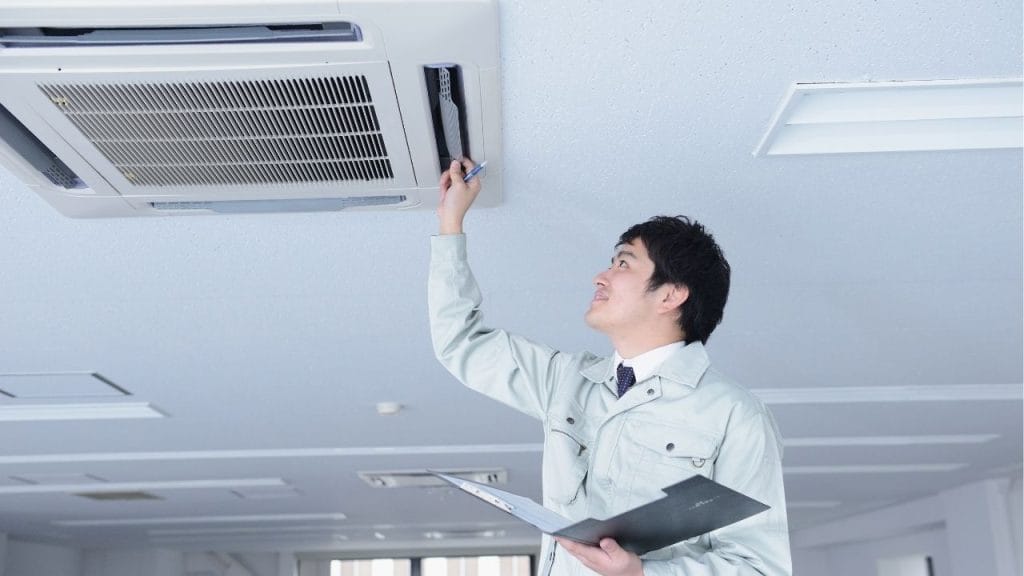
Did you know that a simple reset can sometimes bring an air conditioner back to life without needing a costly service call? If your AC suddenly stops cooling, refuses to turn on, or starts acting up after a power outage, learning how to restart air conditioner systems the right way can save you time, stress, and money. In many cases, a quick restart can clear minor electronic glitches and restore normal operation.
Why You May Need to Restart an Air Conditioner
Air conditioners can stop working properly for several reasons. A tripped breaker, power surge, thermostat issue, clogged filter, or dirty outdoor unit can all cause the system to shut down or perform poorly. In some cases, the AC enters a protective mode and needs to be restarted manually.
Knowing how to restart air conditioner units is especially useful after:
- A power outage
- A sudden shutdown
- Thermostat battery replacement
- Electrical interruption
- Maintenance or filter changes
How to Restart Air Conditioner Safely
Before restarting your AC, make sure the unit is safe to operate. If you notice burning smells, loud buzzing, smoke, or exposed wiring, do not attempt a reset. Call a licensed HVAC technician right away.
Step 1: Turn Off the Thermostat
Set your thermostat to the off position. If it uses batteries, check whether they need replacing. A weak thermostat battery can make it seem like the AC is broken when the problem is actually a simple power issue.
Step 2: Shut Off the AC System
Turn off the air conditioner at the thermostat and then switch off the system at the circuit breaker. This helps fully reset the unit and protects it from electrical damage.
Step 3: Wait Several Minutes
Leave the system off for at least 5 to 10 minutes. This pause allows internal components to reset and clear temporary errors. If your system has a built-in delay, waiting is important before turning it back on.
Step 4: Check the Air Filter and Vents
Before restarting, inspect the air filter. A dirty filter can restrict airflow and cause your AC to overheat or cycle off. Also make sure vents are open and not blocked by furniture, curtains, or dust buildup.
Step 5: Restore Power and Turn the System Back On
Flip the breaker back on, then set your thermostat to cool mode and lower the temperature a few degrees below the room temperature. Give the system a few minutes to start up. Many central air conditioners have a built-in delay before the compressor kicks in.
What to Do If Your AC Still Will Not Restart
If the air conditioner does not turn back on after a proper restart, the issue may be more serious. Common causes include:
- A blown fuse
- A faulty capacitor
- A damaged contactor
- Frozen evaporator coils
- Refrigerant problems
- Compressor failure
At this point, restarting the system again will not solve the problem. You may need professional AC repair to diagnose the issue safely.
When to Call an HVAC Technician
Call a technician if your AC keeps shutting off, makes unusual noises, blows warm air, or repeatedly trips the breaker. These symptoms often point to electrical or mechanical problems that require expert attention. Trying to force the system to restart repeatedly can cause more damage.
Final Thoughts
Learning how to restart air conditioner equipment is a simple but valuable homeowner skill. In many cases, a careful reset can fix minor glitches and get your cooling system running again. Just remember to turn off the thermostat, shut off power at the breaker, wait a few minutes, check the filter, and restart the unit safely. If the problem continues, schedule professional HVAC service to prevent further damage and keep your home comfortable.


