
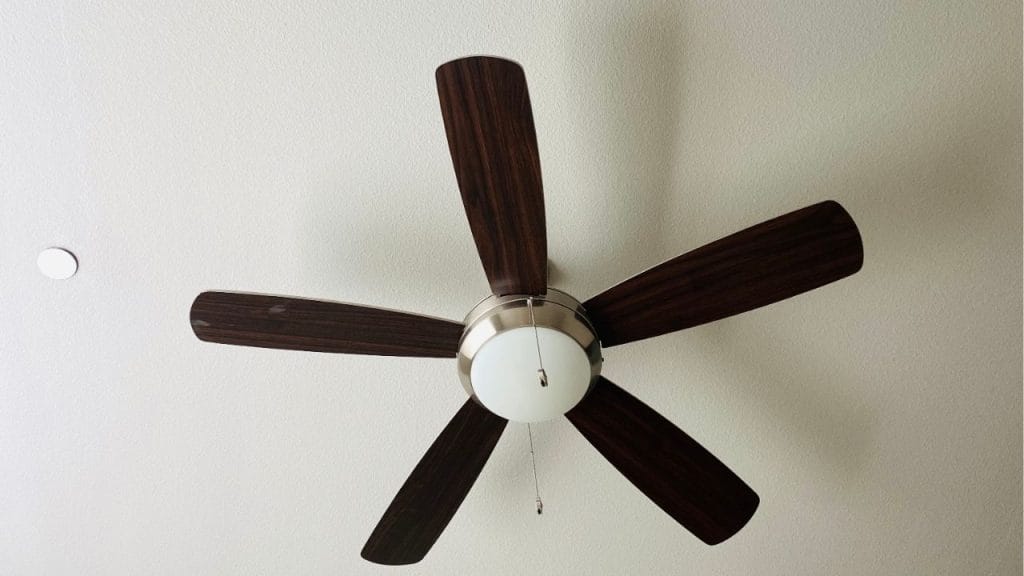
Have you ever wondered why your ceiling fan feels helpful in summer but less useful in winter? Reversing the direction of a Hunter ceiling fan with remote can make a big difference in indoor comfort and energy savings. If you are searching for how to reverse a hunter ceiling fan with remote, this guide explains the simple steps, why it matters, and what to do if your remote does not have a reverse button.
Why Reverse a Hunter Ceiling Fan?
A ceiling fan does more than move air. In warm months, a fan should spin counterclockwise to create a cool breeze. In colder months, reversing the fan to spin clockwise helps push warm air near the ceiling back down into the room.
This small adjustment can improve comfort and may reduce heating and cooling costs. That is why learning how to reverse a Hunter ceiling fan with remote is useful for every homeowner.
How to Reverse a Hunter Ceiling Fan with Remote
Many modern Hunter ceiling fans come with remote controls that make it easy to change fan direction. The exact steps can vary by model, but the process is usually very simple.
Step 1: Turn Off the Fan
Before you change the direction, turn the fan off using the remote. Wait until the blades stop moving completely.
Step 2: Check Your Remote for a Reverse Button
Look closely at the remote for a button labeled Reverse, Direction, or a similar icon. On some Hunter remotes, the reverse function may be marked with arrows going in a circle.
If you find the button, press it once. The fan should change direction after a short delay.
Step 3: Use the Fan Light or Wall Control if Needed
Some Hunter ceiling fan models do not include a dedicated reverse button on the remote. In those cases, the direction switch may be located on the fan motor housing or controlled through a wall-mounted transmitter.
If your remote does not reverse the fan, check the user manual for your exact model.
Step 4: Confirm the Blade Direction
After the fan starts again, stand below it and watch the airflow. In summer mode, the fan should create a direct cooling breeze. In winter mode, the fan should move air gently upward or push warm air down without creating a strong draft.
What If Your Hunter Remote Does Not Reverse the Fan?
If you cannot reverse a Hunter ceiling fan with remote, there are a few possible reasons:
The Model Does Not Support Remote Reversal
Some older Hunter ceiling fans require a manual switch on the motor housing instead of remote control.
The Remote Needs New Batteries
Weak batteries can prevent the remote from sending all commands properly. Replace the batteries and try again.
The Remote Needs to Be Repaired or Re-Paired
If your Hunter fan uses a receiver, the remote may need to be re-synced with the fan. Check the Hunter manual for pairing instructions.
The Fan Was Installed with a Manual Reversing Switch
Some fans have a small slide switch on the motor itself. You may need to turn off the power at the wall and use the switch manually.
When Should You Reverse the Fan Direction?
A good rule is to use counterclockwise rotation in spring and summer, and clockwise rotation in fall and winter. You can also adjust based on room temperature and comfort.
If your home has high ceilings, vaulted ceilings, or uneven heating, reversing the fan can help distribute air more evenly.
Final Tips for Hunter Ceiling Fan Direction Change
Always make sure the fan is off before changing direction. Use the correct remote for your model, and keep the owner’s manual handy for troubleshooting. If you are unsure about the switch location or remote features, Hunter customer support can help.
Knowing how to reverse a Hunter ceiling fan with remote is a simple home maintenance skill that can improve comfort year-round. With just a few button presses or a quick check of the fan housing, you can keep your home cooler in summer and cozier in winter.


