
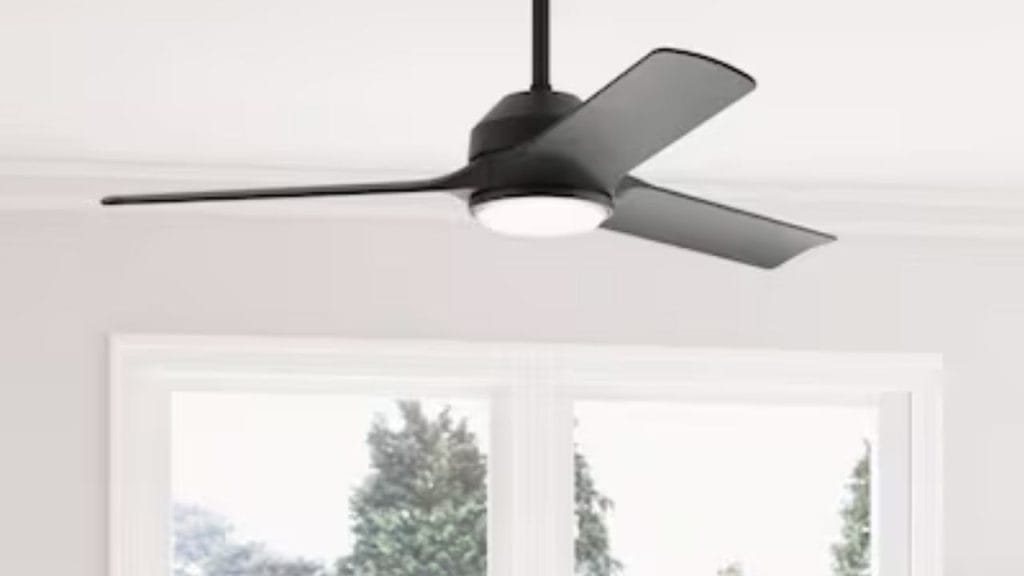
Have you ever noticed that your room still feels uncomfortable even when your ceiling fan is running? Knowing how to reverse Hunter ceiling fan settings can make a big difference in comfort and energy savings throughout the year. Hunter ceiling fans are designed with a reversible motor, allowing you to switch blade direction for better air circulation in both summer and winter.
Why You Should Reverse a Hunter Ceiling Fan
A ceiling fan does not actually change the room temperature, but it helps you feel cooler or warmer by moving air efficiently. In the summer, the fan should rotate counterclockwise to create a wind-chill effect. In the winter, reversing the direction to clockwise helps gently push warm air down from the ceiling and reduce heating costs.
If you want to get the most out of your fan, learning how to reverse Hunter ceiling fan direction is one of the simplest home comfort upgrades you can make.
How to Reverse Hunter Ceiling Fan Direction
Hunter ceiling fans usually have a reverse switch on the fan body or can be reversed using the remote or wall control, depending on the model.
Step 1: Turn Off the Fan
Before changing the direction, always switch the fan off. For extra safety, turn off the fan at the wall switch or circuit if needed.
Step 2: Locate the Reverse Switch
On many Hunter ceiling fans, the reverse switch is located on the fan motor housing. It is often a small slide switch that moves left or right. On newer models, the direction may be controlled by a remote, handheld transmitter, or smart control app.
Step 3: Change the Blade Direction
Move the switch to the opposite position to reverse the rotation. If using a remote or app, press the reverse button or follow the directional settings in the control menu.
Step 4: Turn the Fan Back On
After changing the setting, turn the fan back on and check the blade movement. In summer, the blades should spin counterclockwise. In winter, they should spin clockwise at a low speed.
How to Tell If Your Hunter Fan Is in the Right Direction
A simple way to test the direction is to stand under the fan while it is running.
Summer Mode
If you feel a direct breeze, the fan is likely rotating counterclockwise, which is ideal for hot weather. This setting helps your air conditioner work more efficiently by making the room feel cooler.
Winter Mode
In winter, the fan should rotate clockwise at a low speed. You should feel very little direct airflow. Instead, the fan should gently redistribute warm air that rises to the ceiling.
Troubleshooting Reversal Issues
If your Hunter ceiling fan does not reverse, there may be a few common reasons.
The Fan Has Not Fully Stopped
Some models require the blades to stop completely before the reverse switch will work. Wait until all movement has ended before changing direction.
The Control Needs Resetting
If your fan uses a remote or smart control, you may need to reset the transmitter or reconnect the device. Replacing weak batteries can also solve the problem.
The Fan Model Has a Different Control System
Not all Hunter fans reverse the same way. If you cannot find a switch, check the owner’s manual or the Hunter support website for your specific model.
When to Reverse Your Hunter Ceiling Fan
As a rule of thumb, use counterclockwise rotation in spring and summer, then switch to clockwise in fall and winter. This seasonal adjustment can improve comfort and help reduce energy use year-round.
Final Tips for Best Performance
To keep your Hunter ceiling fan working efficiently, clean the blades regularly, inspect the controls, and make sure the fan is securely mounted. If you are unsure about your model, always consult the manufacturer’s instructions before making changes.
Learning how to reverse Hunter ceiling fan direction is quick, easy, and beneficial. With the right setting for each season, you can enjoy better airflow, improved comfort, and more efficient use of your heating and cooling system.


