
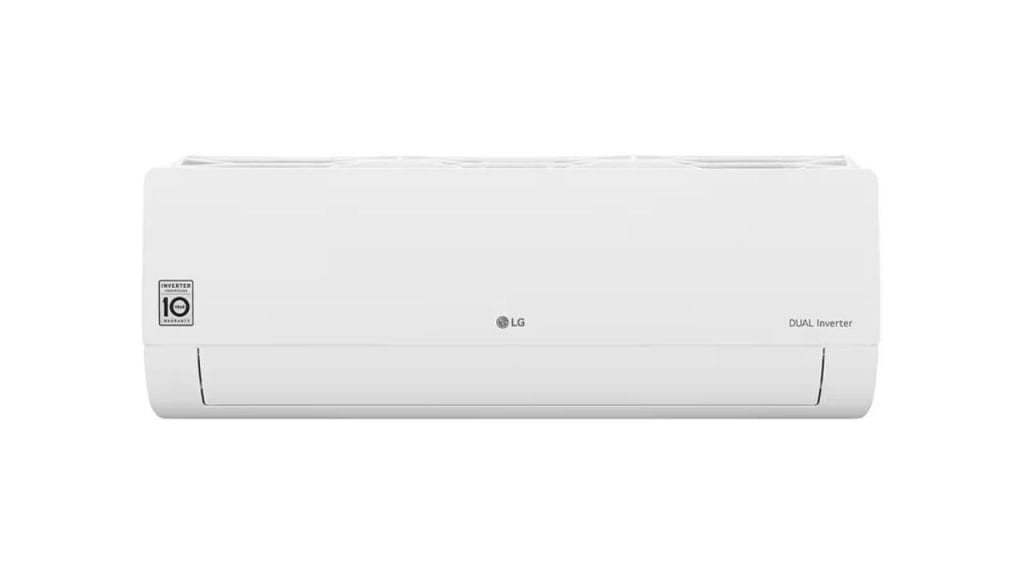
Have you ever noticed your LG air conditioner running in a way that feels a little too conservative on cooling? That is often because the Energy Saver feature is turned on. If you are searching for how to turn off energy saver on LG air conditioner, the good news is that it only takes a few simple steps on most LG AC models.
What Energy Saver Mode Does on an LG Air Conditioner
Energy Saver mode is designed to reduce electricity use by cycling the compressor on and off while keeping the fan running. This can help lower your power bill, but it may also make your room feel warmer than expected because the unit is not cooling continuously.
If you want faster cooling, more consistent temperature control, or simply a more powerful airflow experience, turning off Energy Saver may be the right choice.
How to Turn Off Energy Saver on LG Air Conditioner
The exact steps can vary slightly depending on whether you have a window air conditioner, portable unit, or split system, but the process is usually similar.
Using the Remote Control
Most LG air conditioners let you disable Energy Saver directly from the remote.
- Turn on the air conditioner.
- Look for the Energy Saver button on the remote.
- Press the Energy Saver button once to turn it off.
- Check the display screen or indicator light to confirm the feature is disabled.
On some LG remotes, the button may be labeled as Energy Saver, Eco, or Power Save. If pressing it once does not work, press it again or hold it briefly for a few seconds.
Using the Control Panel on the Unit
If you cannot find the remote, you may be able to turn off Energy Saver from the AC control panel.
- Locate the buttons on the front of the unit.
- Find the Energy Saver, Eco, or similar setting.
- Press the button until the mode turns off.
- Watch for the indicator light to disappear.
If your model has a digital display, it may show a symbol or icon when Energy Saver is active.
What to Do If Energy Saver Will Not Turn Off
If you are having trouble figuring out how to turn off energy saver on LG air conditioner models, try these quick fixes:
Check the Remote Batteries
Weak batteries can cause the remote to send incomplete signals. Replace the batteries and try again.
Reset the Air Conditioner
Unplug the unit for about 5 minutes, then plug it back in and restart it. This can clear minor control issues.
Review the User Manual
LG makes many air conditioner models, and some use different button combinations. If your unit is not responding, the manual will usually show the exact steps for that model.
Inspect for Smart or Timer Settings
Some LG AC units have smart features or timer modes that can override manual settings. Turn off any scheduled cooling settings before trying again.
When You May Want to Keep Energy Saver On
Even though many users want to know how to turn off energy saver on LG air conditioner units, this mode can still be useful. It may help reduce energy consumption during mild weather or when you do not need strong cooling. If your goal is to save on utility costs, leaving it on during low-demand periods can make sense.
Final Thoughts
Learning how to turn off energy saver on LG air conditioner units is usually quick and simple. In most cases, you just press the Energy Saver or Eco button on the remote or control panel. If the setting does not switch off right away, a reset or a manual check for your model should solve the problem. Once disabled, your LG air conditioner should provide stronger, more consistent cooling.


